Incognito mode is useful for local privacy. It limits what gets stored on your device, so cookies, form entries, and browsing history are less likely to stick around after you close the window. But if your question is whether a site can still recognize your browser, you need to test what stays the same while you browse.
Browser fingerprinting is identification based on how your browser and device present themselves. Signals like screen size, language, time zone, feature support, and rendering behavior can be combined into a pattern that often looks similar from visit to visit. Private browsing usually clears local data when the private session ends, but it rarely changes those signals by itself.
To test this in a practical way, use a real site with multiple sections so you can watch storage and request domains as you click. LuckyRebel is a convenient test subject because the site navigation stays consistent, and it’s straightforward to use. Lots of people who use this kind of game provider will be curious about what information is and isn’t stored between sessions, and want to know how they can test this for themselves.
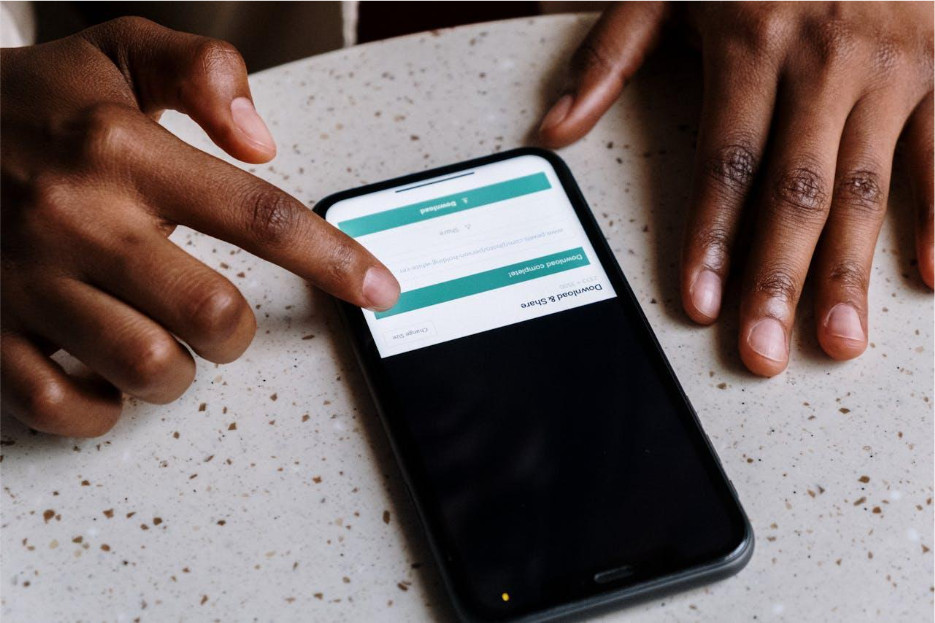
So, let’s do just that! Start in a normal window and open developer tools (F12 on most desktops). Keep Network and Storage (Firefox) or Application (Chromium) visible. Load the homepage, click into another section from the main navigation, and then open the download page.
After each step, jot down three things: the domains you see in Network, any new cookies or local storage items, and a few Console values (user agent, time zone, screen size). Close the normal window, open a private window, and repeat the exact same steps on LuckyRebel. If your browser disables extensions in private mode, keep the comparison fair by either leaving extensions off for both runs or enabling them for both runs.
One of the other reasons to use a site like LuckyRebel for this audit is that it lets you make an account, which gives you more information about how data is being handled and what changing settings in your browser actually alters. Sites like LuckyRebel also tend to value user privacy and maximize control where possible, making them a great case study.
Once you have that before and after snapshot, map it to settings you can control. Mozilla’s guide explains Firefox options that limit fingerprinting and uses the same setting names you will see in your browser, which makes it easier to apply without guesswork.
The 10-minute audit in three passes
Here’s a simple breakdown you can use repeatedly.
1. Storage pass
Check Cookies, Local Storage, and IndexedDB. Do new entries appear only after you click to another section? Do they clear when you close the private session?
2. Network pass
Reload the page once so you can capture the request set. Sort by domain. Note the 5 to 10 domains you see most, plus any domain that appears only after navigation.
3. Browser signal pass
In the Console, check:
- navigator.userAgent
- Intl.DateTimeFormat().resolvedOptions().timeZone
- screen.width and screen.height
If these match between normal and private windows, private browsing did not change the core surface that many sites can use to keep sessions consistent.
Keep the comparison fair
Small differences can look like privacy gains when they are really just a different setup. To keep your test clean:
- Use the same browser and the same profile for both runs.
- Avoid signing into accounts during the audit.
- Hard reload once in each window so you are not comparing cached files.
- Check whether extensions are disabled in private mode and keep them consistent.
- Run both tests on the same network, since some requests vary by location.
A quick way to interpret results: if storage changes but signals do not, you have gained local separation, not fingerprint standardization.
Small changes that reduce uniqueness without breaking sites
After your first run, change one thing at a time and rerun the same route. Small steps beat big overhauls that break everyday browsing.
- Use built-in protections first. In Firefox, setting Enhanced Tracking Protection to “Strict” is the simplest change. Custom mode lets you tune what gets blocked and when it applies.
- Keep extensions lean. Overlapping add-ons and heavy customization can make you stand out. Remove duplicates and review site permissions you do not need, like notifications.
- Separate contexts when it matters. A dedicated browser profile for “browse only” keeps logins and long-lived site data away from daily accounts without relying on private mode for everything.
What a VPN does and does not do
A VPN and private browsing solve different problems. A VPN changes the network address sites see. Incognito mainly changes what your browser keeps locally. Neither automatically removes device and browser characteristics like language, rendering behavior, screen size, or time zone.
A clean mental model:
- Incognito cleans up local traces after you close the window.
- A VPN changes the network path, not your browser fingerprint.
- Fingerprinting protections try to limit or standardize specific signals.
If you only remember three takeaways, make them these: incognito is for local cleanup, the three pass audit shows what really changes, and evidence beats assumptions.
How to Read Your Audit Results at a Glance
After both runs, score what changed on a 0 to 2 scale.
Storage: 0 if nothing appears, 1 if items appear but clear when the private window closes, 2 if items persist after restart.
Network: 0 if the domain list is identical, 1 if the domains differ (often CDNs), 2 if third-party domains appear after navigation.
Signals: 0 if user agent, time zone, and screen values match, 1 if a value shifts, 2 if multiple values change.
Common final scores are: Storage 1, Network 0 or 1, Signals 0. That means private browsing reduced local traces, not the fingerprint surface. Focus your next tweak on any categories scoring a 2, then rerun and carefully record it in your notes.