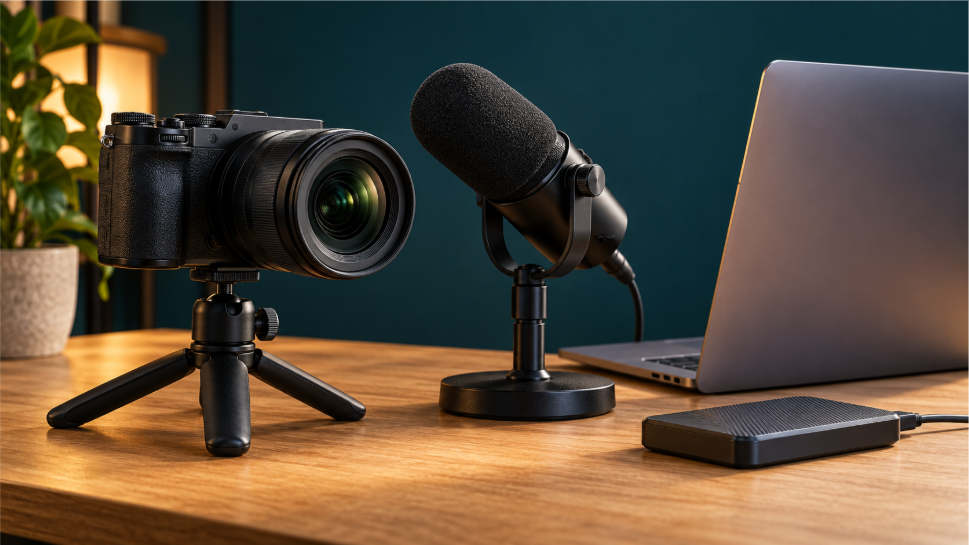
A livestream recording preserves captured sound, pictures, or both from an event. Those pictures may include a presenter, shared material, messages, or visible controls, depending on how the recording was made. The saved file lets someone revisit that material afterwards. Participation in the original event belongs to the live session: a recording can show an interaction taking place without reopening participation in the original session.
The difference begins with what the software captures. Restream’s local recording guide describes a mode that saves participants’ audio and video on their own devices, then uploads the files after the session. Its separate tracks preserve particular media sources rather than automatically reproducing the complete studio presentation. The files retain the captured content; the live application handles inputs while the session takes place.
Interactive livestreams combine a video feed with the controls necessary for taking part. During online live blackjack sessions, for instance, a dealer handles physical cards on camera while players submit decisions through the session’s controls. The video carries the dealer’s movements and the visible table activity; selecting hit or stand is an action within the current game. Watching the table provides access to the unfolding activity, while the controls let a player participate as it happens.
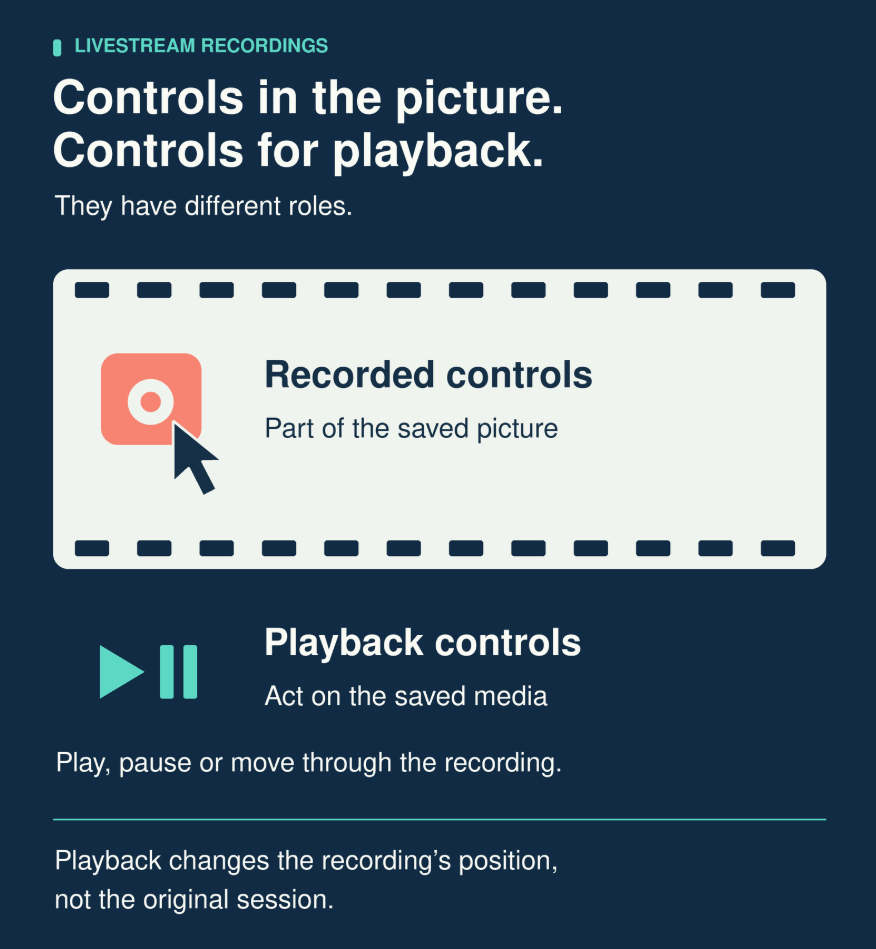
Screen recording can preserve the appearance of an interface alongside the video it displays. A button, selected option, or changing message becomes part of the recorded picture when it falls within the captured area. Playback shows that appearance again. It does not send the original action back into the session. The distinction is between a record of what was visible and the software functions that made participation possible. If you replay a live blackjack session later, you can see what happened and how it unfolded, but you can’t interact with the game in a different way or alter the outcomes.
The Capture Method Sets the Contents
A recording’s contents depend on its source. Camera capture retains the image supplied by the camera. Screen capture retains the display area selected for recording. Separate audio capture produces a soundtrack that can be edited independently of the pictures. Microphones can capture speech from outside the area visible on camera. These outputs can describe the same event while containing different material.
Restream’s local mode makes this separation explicit. Its guide includes camera, microphone, and screen-sharing tracks, while excluding the studio’s overall layouts, backgrounds, and overlays from that recording mode. These exclusions describe this particular way of capturing media. They do not prevent another recording method from saving text or graphics that appear within the captured screen area.
A source and a finished presentation can preserve different views. A camera track preserves that camera’s contribution. A recording of the composed output preserves the arrangement included in that output. “Recording” describes the act of saving media, but does not, by itself, identify which view was saved.
Capture location can also change what the saved footage represents. Restream records each participant’s media on that person’s device before it is compressed for streaming. Its local files therefore preserve source material rather than only the version transmitted to viewers. The broadcast and the recording still concern the same session, but they need not be identical presentations of it. A recording’s relationship to the live event depends on where the capture happened as well as what material it included.
Restream also supplies separate MP4 video and WAV audio files. A sound file preserves the captured audio without a picture, while a video track supplies the recorded images. Keeping those files separate allows their contributions to be handled independently when the finished video is assembled.
Playback Has Its Own Controls
Once saved media is opened in a player, the player supplies its own interface. Playback controls start or pause the recording and move to other points within it. They change when a viewer encounters material within the file, rather than changing what happened during its creation.
In its discussion of players and progress bars, Smashing Magazine explains the scrubber: the movable control used to change playback position. Its guide to TV interfaces distinguishes on-demand video from live broadcasts, with an exception for services that offer a recording feature for replaying earlier footage.
With that feature, the broadcast can continue while a viewer watches an earlier part. The player’s position describes which recorded material is being shown, rather than the point the live event has reached. Rewinding remains a playback action, separate from participating in what is happening now.
A playback control is therefore part of the viewing software. It can be functional even when another button shown inside the recorded picture is merely captured media. The two may appear together on screen, but only one belongs to the player being used now.
What the Recorded Sequence Shows
Recorded interactions still communicate information. Footage can show a presenter responding, a cursor moving, or text changing. When these details were captured, they remain available for observation alongside the sound and pictures.
The sequence covers a defined period as well as a visible area. Capture starts and stops at particular points; an edited extract contains its selected portion. The length of the live event and the length of the saved video are therefore separate descriptions. A recording preserves the included passage, with the sounds and pictures captured during that passage.
Moving the file to another device can change the software used to view it, rather than adding the live session to its contents. The recording remains the captured view, with its own start, end, and included media. Its value after the event comes from making that particular passage available for repeated viewing.